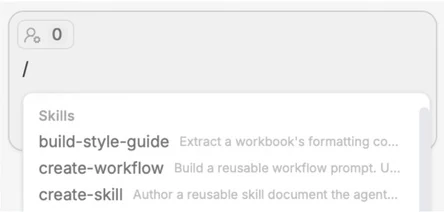
By typing “/” in the chat, you can open up the Skills dropdown. Here, you can use or build skills to automate your repetitive tasks (to build, use create-skill). To use the skill, type “/” and select it.
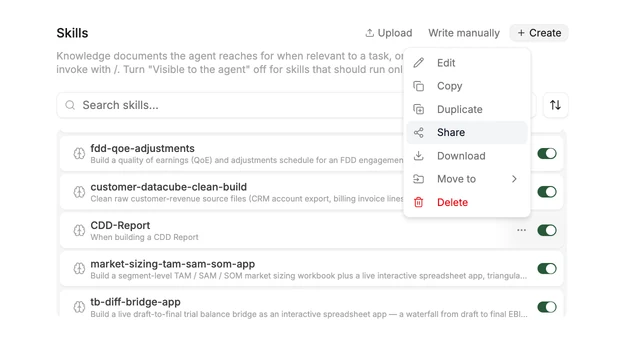
Share skills by clicking into the Resources tab in the top left of the Platform (or on the right of the add-ins), navigate to skills, and click “Share”.
B. Instructions & Style Guides
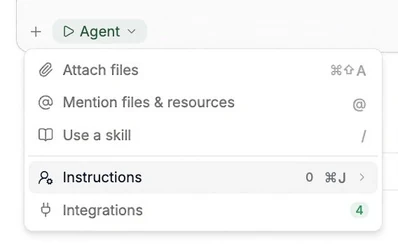
Tracelight makes formatting specific to your required style automatic; click the “+” in the bottom left of the chat to open the instructions tab, where you can add custom instructions or create a style guide to automate formatting according to your preferred style.
C. SharePoint, OneDrive, & Other Integrations
Activate the SharePoint and OneDrive integration by using the cloud button shown next to Project Files in the Platform (see below). You can pull and consult context from both tools into Tracelight projects.
Tracelight connects with almost any other tool via MCP. Request MCP access and instructions at support@tracelight.ai.