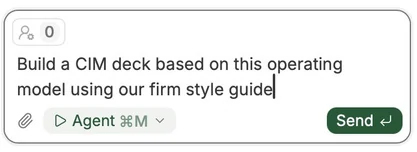
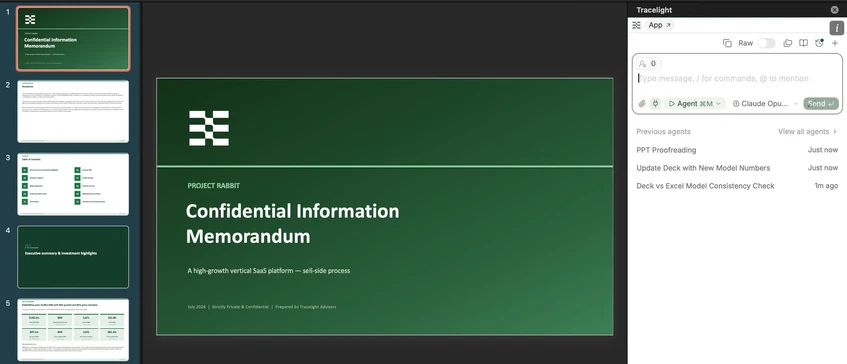
Prompt Tracelight to build any kind of PowerPoint deck using an Excel or other context like PDFs.
If you give Tracelight a reference to work from, such as a style guide / deck, then it will build the deck according to the reference.
B. Tracelight PowerPoint Add-In
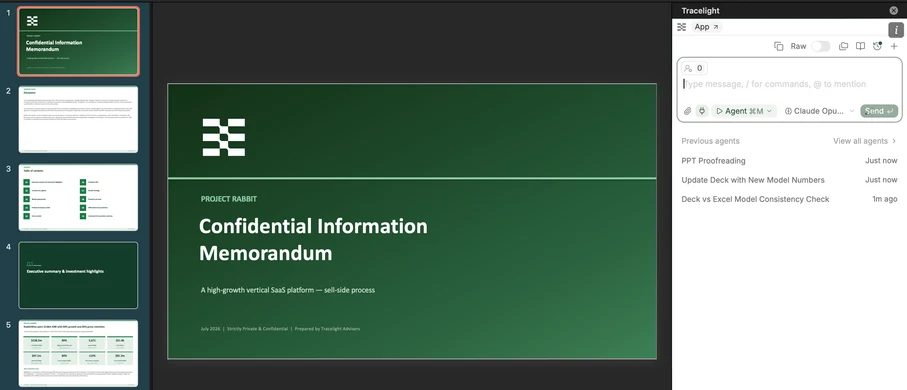
Review the PowerPoint for consistency (including with underlying Excel models) using the add-in, update your deck with new numbers, change your formatting in one prompt, and more.
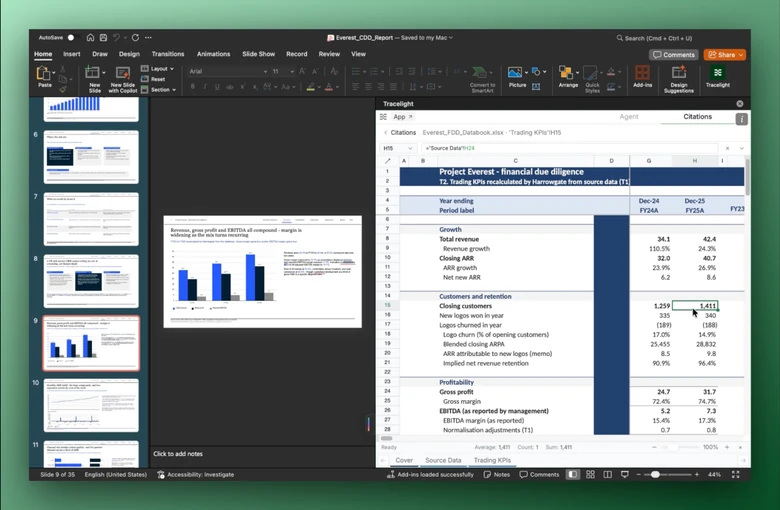
Use PowerPoint citations to see where each number comes from in the underlying Excel model and ensure they are correct.
Use Tracelight as a general-purpose AI tool in PPT; ask for summaries, advice on copy or format, search in a PPT for certain information, and much more.