PDF Citations & Projects
A. PDF Citations
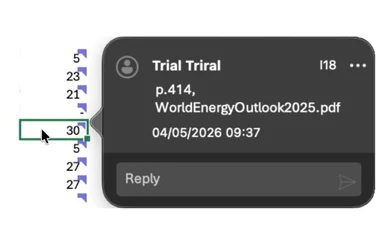
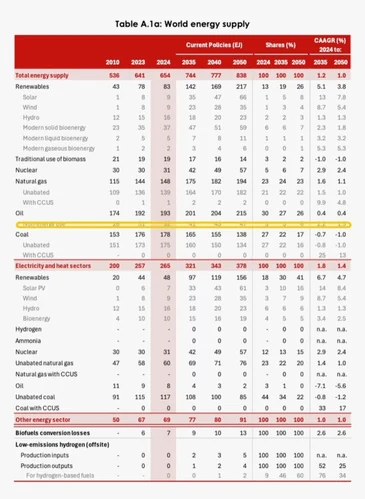
- Tracelight reads PDFs and writes the data into your spreadsheets, with every cell cited to source, and a source viewer in the right-hand panel highlighting exactly where in the PDF each number came from.
B. Projects
- Projects organise all your files, chats, and artefacts about a financial model in one place, so you can work faster with all your project context.
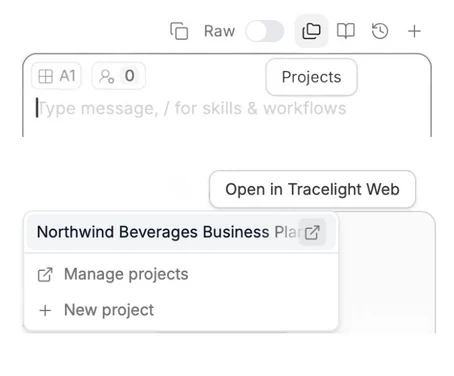
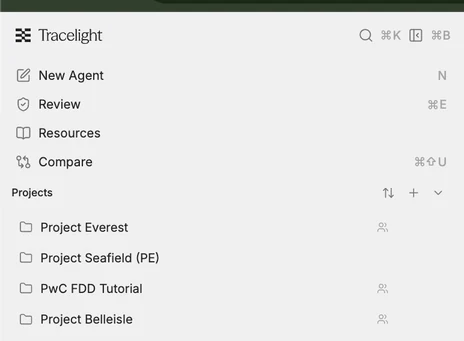
- You can find projects on the right menu in the Platform or above the Tracelight chat box in the add-ins.
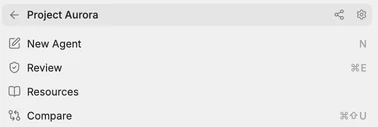
- Share projects with your team (in the Platform) using the Share button next to the project (looks like 3 connected points — see below).